Adding a comment
There are 3 ways to add a comment:- Using the link included in a new campaign notification email
- Use the common button when viewing an individual campaign
- Append #comment to any campaign URL to open the commenting panel
@Mentions
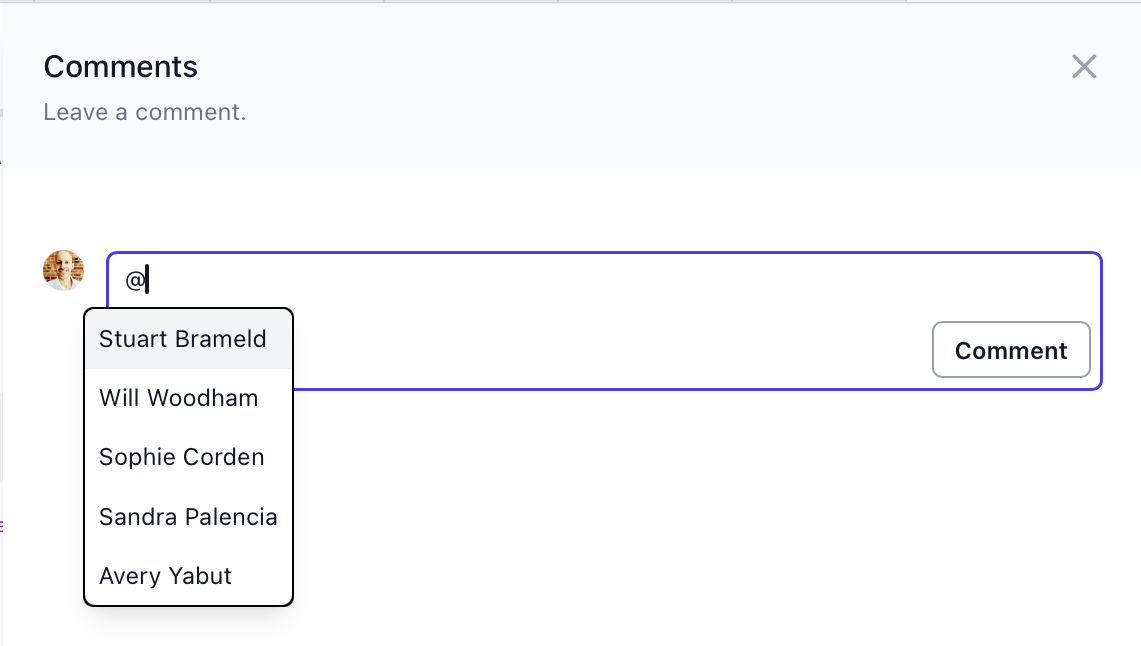
When adding a comment you can @mention any member on your team. Start typing to filter the relevant team members as you type, and use tab to complete.